Introduction
In today’s digital world, we use computers, phones, and smart devices every single day. But have you ever wondered what makes these devices actually work? The answer is hardware.
Hardware is the physical part of a computer or electronic device. From your keyboard to your screen and even the small chips inside your phone — all of it is hardware.
In this article, we’ll explain what hardware is, its types, examples, importance, and how it works with software. Everything is written in simple, easy words so that anyone can understand it clearly.
What Is Hardware?
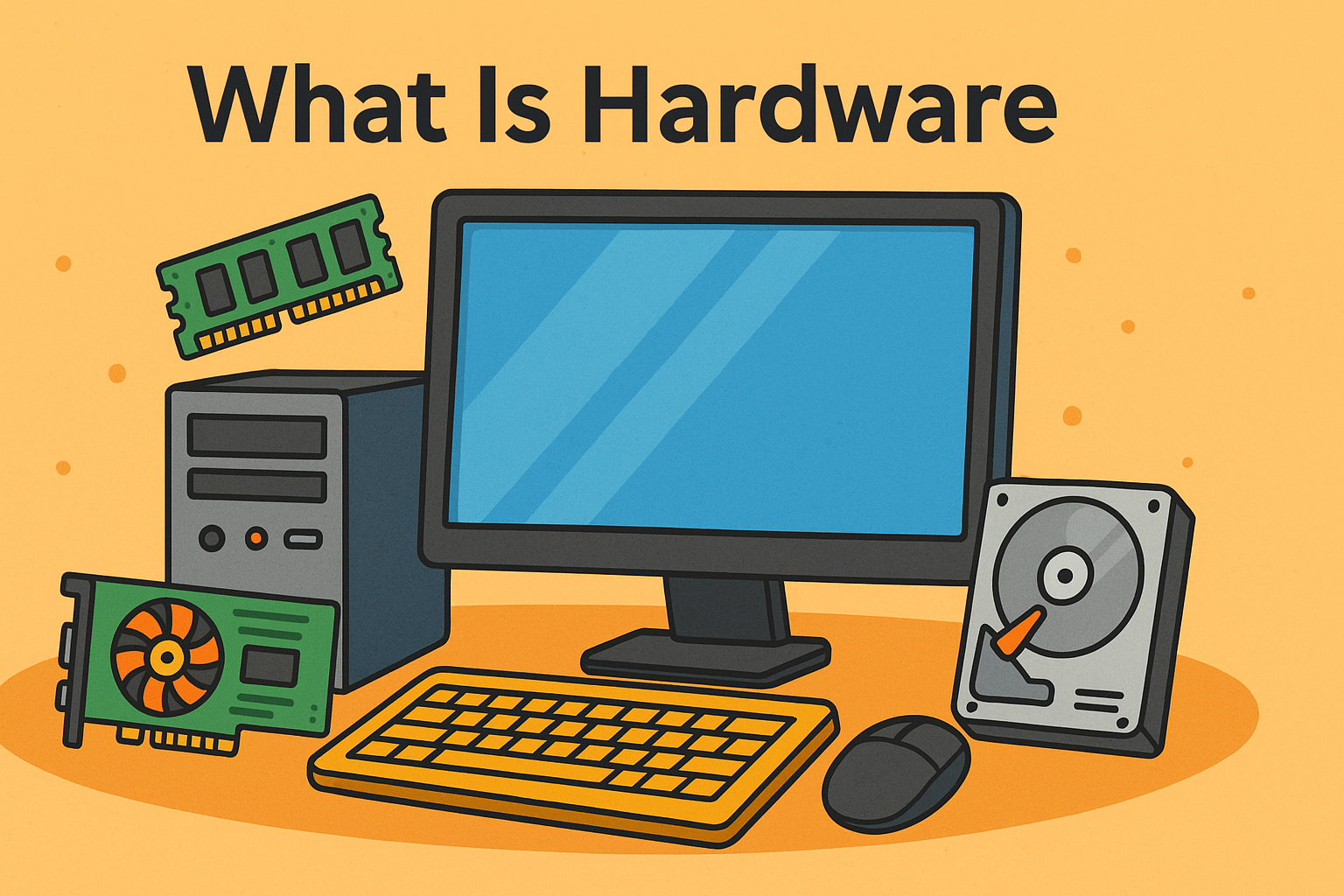
Hardware refers to the tangible or physical components of a computer system — the parts you can see and touch.
For example:
- The monitor displays what you’re working on.
- The keyboard lets you type.
- The mouse helps you click and move things.
- Inside the computer, parts like the CPU, RAM, and hard drive store and process data.
In simple words:
Hardware = the body of a computer.
Software = the brain of a computer.
Both are needed for the system to work properly.
Difference Between Hardware and Software
Many people confuse hardware and software, but they are very different. Here’s an easy comparison:
| Feature | Hardware | Software |
|---|---|---|
| What it is | Physical parts of a computer | Digital programs or instructions |
| Can you touch it? | Yes | No |
| Examples | Keyboard, monitor, CPU | Windows, games, browsers |
| Function | Performs tasks | Gives commands to hardware |
| Lifespan | Can wear out over time | Can be updated or reinstalled |
So, while hardware does the work, software gives the instructions.
Main Types of Computer Hardware
Computer hardware can be divided into five main types. Each part has a special job that helps the system work smoothly.
1. Input Devices
Input devices are tools that help you enter data and commands into the computer.
Common examples:
- Keyboard
- Mouse
- Microphone
- Scanner
- Webcam
- Touchscreen
Example in daily life:
When you type a document or click an icon, you are using input hardware.
2. Output Devices
Output devices show or present the result after the computer processes your data.
Common examples:
- Monitor (displays images and text)
- Printer (gives physical copies)
- Speakers (play sound)
- Projector (displays large visuals)
Example in daily life:
When you watch a movie on your screen or print a photo, output hardware is at work.
3. Storage Devices
Storage devices help save data permanently or temporarily. They keep your files, photos, and programs safe.
Main types:
- Primary Storage: RAM (Random Access Memory)
- Secondary Storage: Hard Disk Drives (HDDs), Solid-State Drives (SSDs)
- Portable Storage: USB drives, memory cards, external hard drives
Example:
When you save a file or download a video, it’s stored in hardware like an SSD or HDD.
4. Processing Devices
Processing hardware is the brain of the computer. It takes input, processes it, and gives output.
Main component:
- CPU (Central Processing Unit): Known as the brain of the computer, it handles all the calculations and logic.
Other components:
- GPU (Graphics Processing Unit) — handles visuals and gaming graphics.
- Motherboard — connects all parts together.
Without processing hardware, a computer cannot perform any tasks.
5. Networking Devices
Networking hardware helps computers communicate and share data over networks like Wi-Fi or the internet.
Common examples:
- Router
- Modem
- Network Card (NIC)
- Switch
- Hub
Example:
When you connect to the internet or send an email, networking hardware is doing the job behind the scenes.
Internal and External Hardware
Hardware can also be divided into internal and external parts:
| Type | Description | Examples |
|---|---|---|
| Internal Hardware | Found inside the computer case | CPU, RAM, Motherboard, Hard Drive |
| External Hardware | Connected from the outside | Mouse, Keyboard, Printer, USB Drive |
Both are equally important for smooth computer performance.
Main Components of a Computer (Inside View)
Let’s take a closer look at what’s inside a typical computer or laptop:
- Motherboard: The main circuit board that connects all components.
- CPU (Processor): Executes all instructions and calculations.
- RAM (Memory): Temporarily stores data while you’re working.
- Storage Drive: Saves your files and operating system.
- Power Supply Unit (PSU): Provides electricity to all parts.
- Cooling Fans: Keep the computer from overheating.
- Graphics Card (GPU): Renders images and videos.
Each of these pieces of hardware plays a vital role in making the computer function properly.
Examples of Hardware in Everyday Life
Hardware isn’t just found in computers — it’s everywhere!
| Device | Hardware Examples |
|---|---|
| Smartphone | Screen, battery, camera, processor, speakers |
| Television | Display panel, remote sensor, circuit board |
| Printer | Ink cartridge, motor, paper tray |
| Car | GPS module, sensors, dashboard screen |
| Smartwatch | Battery, sensor, chip, screen |
We live in a world full of hardware — from simple gadgets to advanced machines.
How Hardware and Software Work Together
Hardware and software must work together for any computer or electronic device to function.
Here’s a simple example:
- You click the “Play” button on a video (software command).
- The processor (hardware) reads and processes the video file.
- The monitor (hardware) shows the video on screen.
- The speakers (hardware) play the sound.
So, hardware performs tasks that software commands it to do. Without software, hardware would just sit idle. Without hardware, software couldn’t run.
Importance of Hardware
Hardware is essential because it gives a computer or device the ability to perform real actions.
1. Performance
Better hardware means faster performance. For example, more RAM or a powerful CPU allows smooth multitasking.
2. Data Storage
Hardware like hard drives and SSDs store important data — photos, apps, and system files.
3. Connectivity
Networking hardware connects users worldwide through the internet.
4. Entertainment
Graphic cards, monitors, and speakers help us enjoy games, movies, and music.
5. Productivity
Hardware allows us to type, design, calculate, and create — making work more efficient.
In short, without hardware, technology would not exist.
Upgrading Hardware
Over time, hardware can become slow or outdated. To keep your computer running smoothly, upgrading hardware is often helpful.
Common upgrades include:
- Increasing RAM
- Replacing an old hard drive with an SSD
- Installing a better graphics card
- Adding extra storage space
Upgrading hardware can make your system faster and extend its life.
Maintaining Hardware
Just like any machine, hardware needs care. Here are simple tips to maintain it:
- Keep it clean: Dust can damage components.
- Avoid overheating: Ensure proper ventilation.
- Use a surge protector: Prevents power damage.
- Handle carefully: Especially laptops and external devices.
- Regular checkups: Run hardware diagnostic tools.
Good maintenance helps hardware last longer and perform better.
Common Hardware Problems
Even the best hardware can face issues. Here are some common ones:
| Problem | Possible Cause | Solution |
|---|---|---|
| Computer not starting | Power supply issue | Check power connections |
| Overheating | Dust or bad cooling | Clean fans or add ventilation |
| Slow performance | Low RAM or old hard drive | Upgrade hardware |
| No display | Monitor or GPU issue | Check connections or replace parts |
| Keyboard not working | Loose connection | Reconnect or replace keyboard |
Knowing these basic problems helps you fix or understand computer issues easily.
Future of Hardware
Technology keeps getting smaller, faster, and more powerful. The future of hardware looks exciting with many new innovations.
Trends in hardware development:
- Smaller and lighter devices – like foldable phones and thin laptops.
- Quantum computers – capable of solving complex problems faster than ever.
- AI chips – built specifically to run artificial intelligence tasks.
- Wearable tech – smartwatches, AR glasses, and health trackers.
- Green hardware – eco-friendly designs that save energy.
The line between hardware and software is also blurring — as devices become smarter and more adaptive.
Conclusion
Hardware is the foundation of all technology. It includes everything you can touch — from keyboards and screens to chips and cables. Without hardware, software cannot work, and without software, hardware is just metal and plastic.
From personal gadgets to powerful supercomputers, hardware plays a key role in shaping our digital world. As technology grows, hardware continues to become faster, smaller, and more efficient — making our lives easier and more connected.
So the next time you press a button, play a game, or make a call — remember that it’s hardware and software working together to make it happen.